
Managed IT
Managed IT services with one team accountable for your whole environment.
Most businesses that find us aren't in crisis. They're frustrated. Service has dropped, the same issues keep coming back, and it's starting to feel like nobody is actually responsible for fixing any of it. That frustration is usually the first sign of a bigger picture nobody has looked at yet.
3rd Element Consulting provides outsourced managed IT services from Mechanicsburg, Pennsylvania, taking full ownership of a company's IT environment, security, and support under one accountable team. If you're not sure what managed IT services actually include, here's the plain version.
The pattern
When the same things keep breaking, the ticket is not the problem.
Most businesses do not start looking for a new MSP because of one bad day, ticket, or tech. They look when the same issues keep returning, vendors point fingers at each other, and leadership keeps getting surprised by things that should have been caught sooner.
If you have already decided the relationship is not working, our guide on how to switch IT providers walks through the sequence that keeps a transition from turning into chaos.
Before any of that, it helps to know what an IT audit covers, so you can see what you actually have today.
IT is too interconnected for problems to stay in their own lane. When something breaks in one area, it's usually connected to something else no one has looked at. Managing IT as isolated tickets means the same problems come back. Managing it as one system means they get solved at the source.
What we own
What we manage as one connected system.
9 areas, swipe or use arrows
Day-to-day support
Responsive help for users, with root-cause follow-through so the same ticket does not return next week.
Workstations and servers
Standardized configuration, patching, endpoint protection, and lifecycle planning before age becomes an emergency.
Identity and Microsoft 365
Accounts, MFA, sharing, mailboxes, and licensing managed against a written standard.
Cybersecurity built in
Endpoint, identity, email, and network controls aligned to CIS Controls, reviewed as the business changes.
Backup and recovery
Backups monitored, restore-tested, and tied to a recovery plan leadership can defend if the worst day happens.
Vendor coordination
ISPs, line-of-business apps, copiers, phones, we hold the conversation so your team is not stuck in the middle.
Monitoring and alert follow-up
Alerts are reviewed and acted on, with checks on the health of the environment even when no alerts appear.
Documentation and reporting
What you own, how it is configured, who has access, and what changed, written down and current.
Lifecycle and budget planning
Replacement, renewals, and capacity decisions surfaced before they turn into urgent line items.
Buyer question
How can I tell if my MSP is actually doing a good job?
Check whether your MSP operates against a written standard you can audit. Ask for their patching cadence, backup testing results, and security configuration baseline, and see if the evidence matches what they have told you. Missing documentation is a reason to ask further questions.
In practice
Managed IT means someone is actually watching the environment.
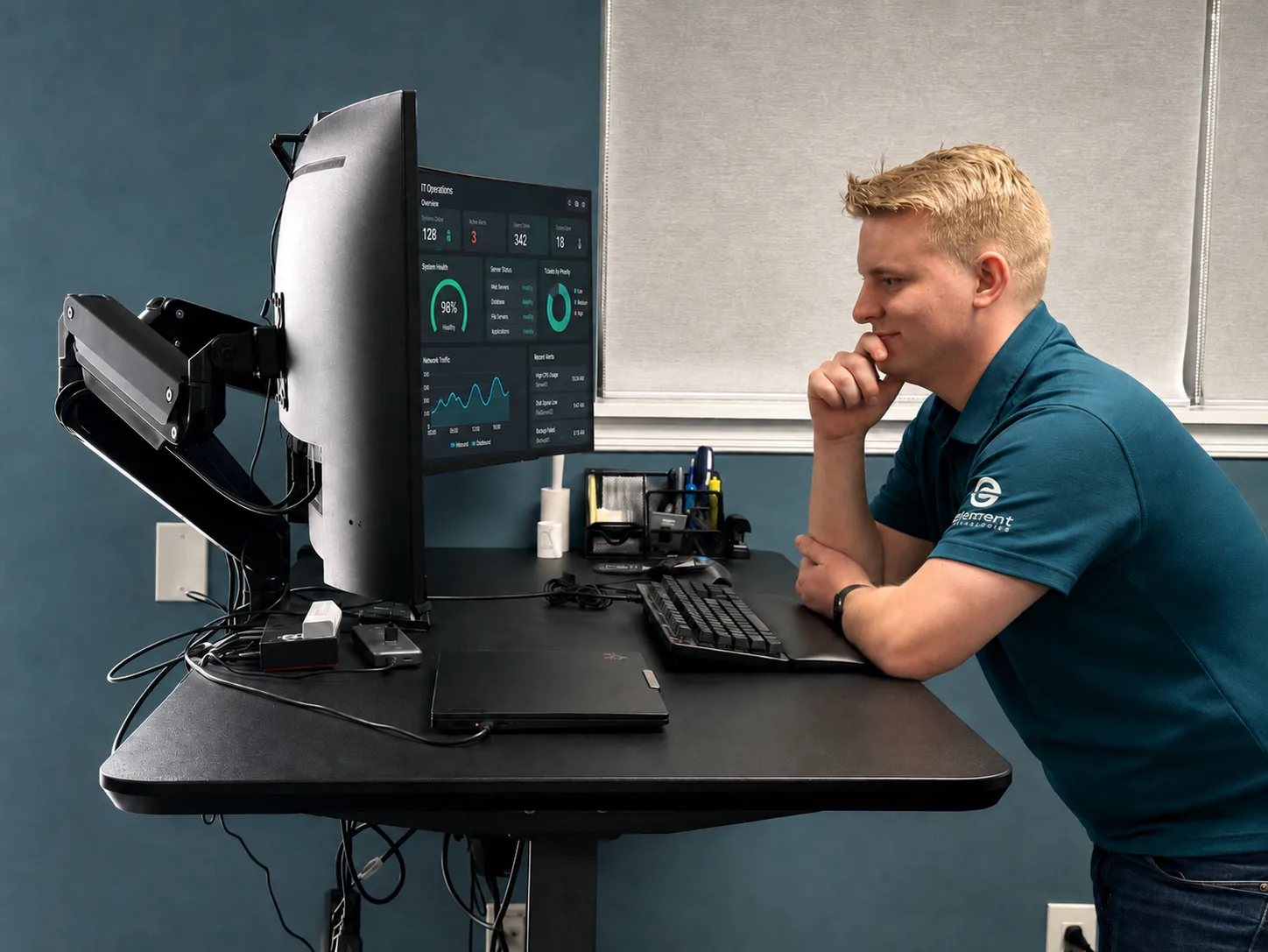
Alerts are only useful if someone reviews them, follows up, and connects them to the bigger picture. Our team monitors the systems we manage, tracks the patterns that cause repeat issues, and acts before small signals turn into big problems.
A technician who knows your environment reviews the dashboard and has time to investigate what needs attention.
How we work
We start by understanding the environment, then we stabilize, then we manage.
Every engagement begins with an IT Environment Review. We look at the systems, the controls, the strategy, vendor list, and the patterns leadership has been living with.
Anything that is actively hurting the business gets stabilized first. From there, we put consistent standards in place. Security frameworks, 365 management, backup, patching and monitoring, and run the environment against them. Nothing dramatic. Just IT that finally feels handled and stable.
Reviews with leadership happen on a cadence the business actually keeps, with plain-language reporting on what changed, what could put the business at risk, and what to plan for next.
What changes
What leadership notices first.
Recurring issues get addressed at the cause, and upcoming work is planned so there are fewer last-minute interruptions. Security questions have answers. Microsoft 365 is under control and secure. Vendors are easier to manage. Budget conversations are based on a plan.
This is the outcome of running IT as one accountable system instead of a series of reactive tickets in a vacuum.
Also worth knowing
We help with adjacent infrastructure too.
We also help existing clients with adjacent infrastructure as needed, including business phone systems (VoIP), managed print, access control, and A/V for conference and huddle areas.
Who we work best with
Built for companies that want IT held to a standard.
Something brought you here. If you're with an organization of about 10 to 250 employees, headquartered in or operating across Central PA, that depends on its technology to operate and is ready to hold its IT to a written standard, you've probably outgrown whoever was managing IT before or something specific made the gap visible.
A strong fit
- Leadership is ready to treat IT as part of how the business runs.
- Teams tired of explaining the same problems to the same provider.
- Operations where downtime, lost data, or a security event would put the business at risk.
- An internal IT person who can't be a specialist in every area and doesn't have visibility into how other organizations solve the same problems.
How we work
- We are rarely the lowest monthly price. If price is the main deciding factor, another provider will probably be a better fit.
- We'll tell you when something needs attention, even if you didn't ask.
- Every client runs to a security baseline: MFA, patching, and tested backups. We don't make exceptions, because we're accountable for the result.
Before you sign with anyone
Take something with you.
Use it on us, and on anyone else you are talking to. The answers tell you more than the sales deck will.
Common questions
Questions leadership usually asks first.
What does managed IT actually include?
What is the difference between a managed IT provider and an IT help desk?
Can you review our current IT provider?
Do you replace our internal IT person?
Can you help with Microsoft 365 security?
Can you help with cyber insurance questions?
What is an IT Environment Review?
Continue reading
Related work and reading.
Client Story: One Company, One Standard, Across Every Office
A global manufacturer that treats 3rd Element as its IT department.
Read more: Client Story: One Company, One Standard, Across Every OfficeStandards & Security Baseline
The non-negotiable baseline every environment we manage is held to. The written standard behind managed IT.
Read more: Standards & Security BaselineCo-Managed IT Services
When you already have internal IT, this is the version of managed IT that plugs in around them instead of replacing them.
Read more: Co-Managed IT ServicesCybersecurity Services
Security built into how the environment is managed day to day.
Read more: Cybersecurity ServicesIT Support, Wherever You Are
How the same managed IT standard gets delivered to businesses outside Central PA.
Read more: IT Support, Wherever You AreWhat drives managed IT pricing.
What actually shapes the number on a proposal, and why the lowest quote is often the most expensive one.
Read more: What drives managed IT pricing.Signs You've Outgrown Your MSP
The specific signs a provider relationship has stopped keeping up with the business.
Read more: Signs You've Outgrown Your MSPHow to switch IT providers without creating chaos.
What the transition actually looks like when it is planned instead of improvised.
Read more: How to switch IT providers without creating chaos.Next step
Get a clearer view of your IT environment.
Find out what is working, where the risks are, and what needs attention next.